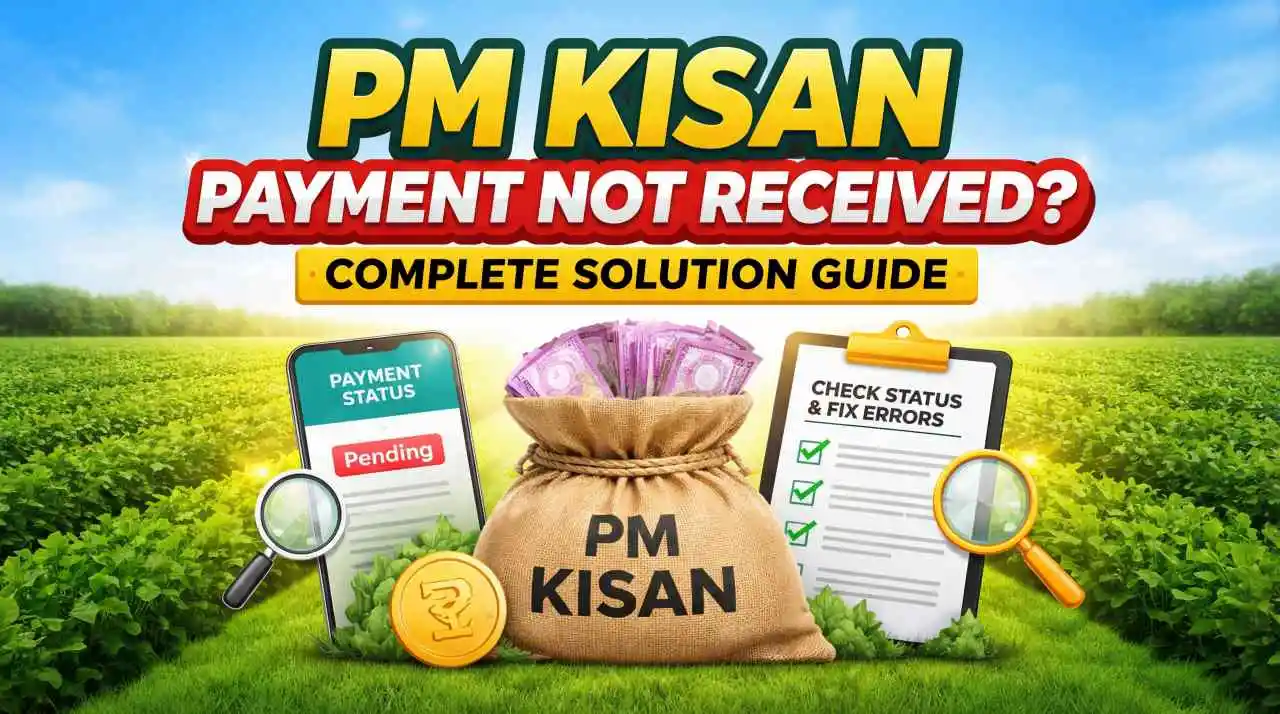
PM Kisan Payment Not Received? Complete Step‑by‑Step Solution for Eligible Farmers in India
PM Kisan Payment Not Received Solution is one of the most searched problems by farmers across India who are enrolled under the PM Kisan Samman Nidhi Yojana. Many beneficiaries often face delays, rejections, or non‑credit of instalments. In this comprehensive guide, you will find 100% accurate, step‑by‑step solutions to fix issues related to missing or delayed PM Kisan payments.
If you are wondering “Why is my PM Kisan payment not received?” or “How to solve PM Kisan instalment not credited to my bank account?” this article covers everything from checking your status online to correcting Aadhaar or bank details and filing official grievances for resolution.
Check out our article on Namo Shetkari Yojana 8th Installment.
Why Your PM Kisan Payment Has Not Been Credited Yet
Even though you are registered in the PM Kisan portal, the payment may still be not received due to several common reasons:
1. Ineligible Status or Missing KYC
If your Aadhaar‑based e‑KYC has not been completed, or if your status shows “Not Eligible” on the portal, your payment will not be released.
2. Incorrect Bank Account Details
Mismatch in bank account number, IFSC code, or linking to Aadhaar can block the instalment from being transferred.
3. Pending Land Records Verification
PM Kisan eligibility depends on valid land ownership records. Any mismatch or inconsistency in land documentation can delay payment.
4. Bank Rejection of Payment
Sometimes the bank rejects the credit due to technical errors, account closure, or mismatch in beneficiary name and bank records.
How to Check Your PM Kisan Beneficiary Status Online
The very first step to solve PM Kisan payment not received issue is to check your payment status online.
Steps to Check Payment Status
- Visit the PM Kisan official portal
- Click on “Beneficiary Status” under the Farmers Corner.
- Enter your Aadhaar number / mobile number / PM Kisan registration number.
- Click on Get Data.
- On the next page, you will see:
- Your name
- Total instalments released
- “Payment Status”
- “Last payment date”
- Any error or rejection reason
If your status shows “Payment Not Released” or “Payment Not Received”, continue reading for solutions.
Common Reasons for PM Kisan Payment Delay or Failure
Here are detailed common reasons why your PM Kisan instalment may not be received:
- Incomplete e‑KYC: Your Aadhaar has not been verified digitally, or your biometric verification is pending.
- Incorrect or Unlinked Aadhaar: Aadhaar not linked with your bank account, or there’s a mismatch in name/spelling between Aadhaar and bank records.
- Bank Account Issues: Closed account, incorrect IFSC, or bank rejecting payment due to account verification errors.
- Discrepancy in Land Records: Land details entered don’t match government revenue records.
- Technical System Delay: Occasionally, the portal undergoes maintenance or there’s a delayed batch processing at the bank level.
Step‑by‑Step Fixes to Get Your PM Kisan Payment
Here is the complete solution you can follow if your PM Kisan payment is not received.
Verify Your e‑KYC Status:
- Visit the PM Kisan portal.
- Go to Farmer’s Corner e‑KYC.
- Enter your Aadhaar number.
- Complete the biometric or OTP verification with your mobile number linked with Aadhaar.
- If your e‑KYC is pending, complete it either online or at the nearest Common Service Center (CSC).
Important: Without e‑KYC, your PM Kisan instalment will not be released.
How to Correct Aadhaar, Bank, or Land Details for Payment
If any of your details are wrong, your payment may be stuck. Here’s how to correct them:
Correct Bank Details
- On the PM Kisan portal, click Update Bank Details.
- Enter your Aadhaar number.
- Update:
- Bank account number
- IFSC
- Account type
- Upload supporting documents if required.
- Submit and save changes.
Update Aadhaar Details (Name / DOB / Address)
If there is a mismatch in your name or DOB:
- Visit the nearest AADHAAR Enrolment Center
- Request update of your details.
- Once updated, link the corrected Aadhaar to PM Kisan.
Update Land Records
If your land details are incorrect:
- Visit your Tehsil / Revenue Office
- Request correction of land ownership records.
- After correction, update the same on the PM Kisan portal.
Complete e‑KYC Guide to Ensure PM Kisan Payment
Your e‑KYC must be completed in order for PM Kisan payments to be processed.
What is e‑KYC?
e‑KYC stands for Electronic Know Your Customer, which verifies your identity through Aadhaar.
How to Complete e‑KYC
- Log in to PM Kisan portal.
- Click e‑KYC.
- Enter Aadhaar and click Send OTP.
- Enter the OTP received on your linked mobile.
- Submit to verify.
Once e‑KYC is verified, your PM Kisan instalments will get processed faster.
How to File a Complaint If Your PM Kisan Money Is Not Received
If after all checks and updates your payment is still not received, you can file a complaint with the official PM Kisan grievance support.
Steps to File Grievance Online
- Visit the PM Kisan portal.
- Go to Farmer’s Corner Register Grievance.
- Enter your Aadhaar / mobile / registration number.
- Choose category: Payment not received / KYC / Bank issues.
- Type the problem and upload necessary documents.
- Submit and save your grievance number for tracking.
You will receive updates on your registered mobile number.
PM Kisan Helpline and Contact Details for Immediate Help
If you are stuck and need help urgently:
- PM Kisan Toll‑Free Number: 155261 / 1800115526
- Email Support: helpdesk.pmkisan@nic.in.
You can also visit
- Nearest Common Service Center (CSC)
- District Agriculture Office.
What to Do If Your PM Kisan Installment Shows Processed But Not Received
Sometimes your status shows Processed but the money hasn’t hit your account. In this case:
- Wait 2–7 Business Days: Banks may take time to credit due to internal processing.
- Check Bank Statement: Verify in passbook or online banking if there was any failed credit attempt.
- Visit Your Bank: Ask the bank why the payment has not been credited.
Mistakes That Can Delay Your PM Kisan Payment
Avoid these mistakes to stay clear of delays:
- Not completing e‑KYC on time
- Entering wrong bank details
- Not linking Aadhaar with bank account
- Failing to update land records
- Ignoring portal notifications.
How Long Does It Take to Receive PM Kisan Payment After Fixing Issues?
Once you fix the issue:
- If e‑KYC is completed payment usually processed within 7–15 working days
- If bank details are updated it may take 2–3 instalment cycles
- After land record correction payment will be released in next processing cycle.
Frequently Asked Questions:
Final Words
If your PM Kisan payment is not received, the solution is almost always either fixing e‑KYC, correcting bank/Aadhaar details, updating land records, or filing an official grievance. By following this complete solution guide, you can resolve the issue quickly and get your rightful instalments directly into your bank account.